Rulebook
Before your first seminar
The purpose of Atlas Seminar is to connect your content with the ideas that organize that content.
In every round, each team makes a Map, an original creation that connects one Territory and one Legend through the round's shared Ink.
- Territory is the text, source, image, document, or other material that you're studying as a group.
- Legend is the concept, claim, theme, thesis, pattern, lens, or key idea that helps make sense of the material you're studying.
- Ink is the shared method or constraint for making a Map.
Teams show their Maps to each other, and all of the teams try to recognize which Territory and Legend is behind each other's Maps. When enough teams recognize a pairing, that Map enters the Seminar Atlas.
More than anything then, this seminar game is cooperative: the overarching goal is to complete the Atlas of every Territory and Legend combination. And this can only be done if teams create legible Maps that other teams can correctly interpret.
But there's also a competitive angle: each team is competing to:
- create the most legible maps
- correctly perceive other teams' maps most accurately
- share the most insightful annotations
- pioneer new understandings of the seminar topic
There's something here for the competitive, the perceptive, the sociable, and the creative.
A deck is your Territory, Legend, and Ink cards. There are stock Ink cards you can load when you create a deck, but the Territories and Legends need to come from your class or group. Players need to know the Territories and Legends before the seminar.
From the Shelf, choose New deck to begin with an empty deck, or choose Load sample to begin with the Fairy Tale sample. If you're signed up for a Compass account, you can also browse the Deck Library.
Give the deck a title, then add the three kinds of cards your seminar needs:
- Territory Cards — texts and sources
- Legend Cards — claims and lenses
- Ink Cards — ways players make a Map
A seminar needs at least one card of each kind, but the minimum for a meaningful seminar is probably 3 Territory cards and 2 Legends. A deck can hold up to 12 Territory cards, 8 Legend cards, and 10 Ink cards.
Add cards one at a time, or use Bulk add when you already have a list. You can edit or delete cards from the editor. Choose Use default Ink Cards to add the default Ink prompts, which you can delete individually, edit, or add to.
Choose Save + exit when the deck is ready for the Shelf. (They are also saved automatically as you edit them.)
On the Shelf, choose New seminar.
- Give the seminar a name, such as the date, topic, and group.
- Choose the deck to use for this seminar.
- Choose 2–12 teams. Each team receives its own invitation link. I'd recommend 1-4 players per team, with higher expectations for teams with more players.
- Set the Unlock requirement: how many other teams must correctly vote on both cards (the Territory and Legend) before a Map enters the Seminar Atlas. Simple majority is the recommended setting, so a seminar with 6 teams would require 3 votes for a Map to be added to the Atlas.
- You can optionally set a Session goal to give the group a set target. This is just a guide; it does not end the seminar automatically.
- Choose Create seminar.
Name the teams (good chance to troll them a bit), then send each team its own private invitation link or QR invitation. Ask every team to open its link and join before the first round.
Open Present to Room as soon as you open the seminar. Put this screen on a projector if you're in person or share this screen if you're online. Having this up helps keep everyone on the same page.
When a team joins Atlas Seminar, they'll be prompted to select a team icon. If any groups are arguing too much over their selection, you can auto-admit them with a random icon. Then rename their team "Old Married Couple" and they'll settle down a bit.
When every team has joined, choose Begin card selection.
A seminar round
If you haven't already, open Present to Room for the group, name teams and share their private invitations, and begin card selection when every team is ready.

An Ink card is drawn automatically when you deal cards for a new round. Every team uses the same Ink in a round.
Set the round timer (a few minutes is usually more than enough time for even the most demanding Ink card). Teams choose and seal one Territory and one Legend from their dealt cards. Watch the selection count on the host dashboard.
If a team has not finished, choose Assign stragglers before Map Making. This fills only the missing Territory or Legend from that team's dealt cards; it does not replace a selection the team already made.
If one team's hand makes a useful pairing impossible, use that team's Redeal control to give it new cards. Teams can also choose Request a redeal and tell you what's giving them trouble. The request appears in your Communications inbox alongside their current cards. You can redeal or choose Keep hand. Sometimes the connection needs a bit more thought; sometimes the cards really are bunk.
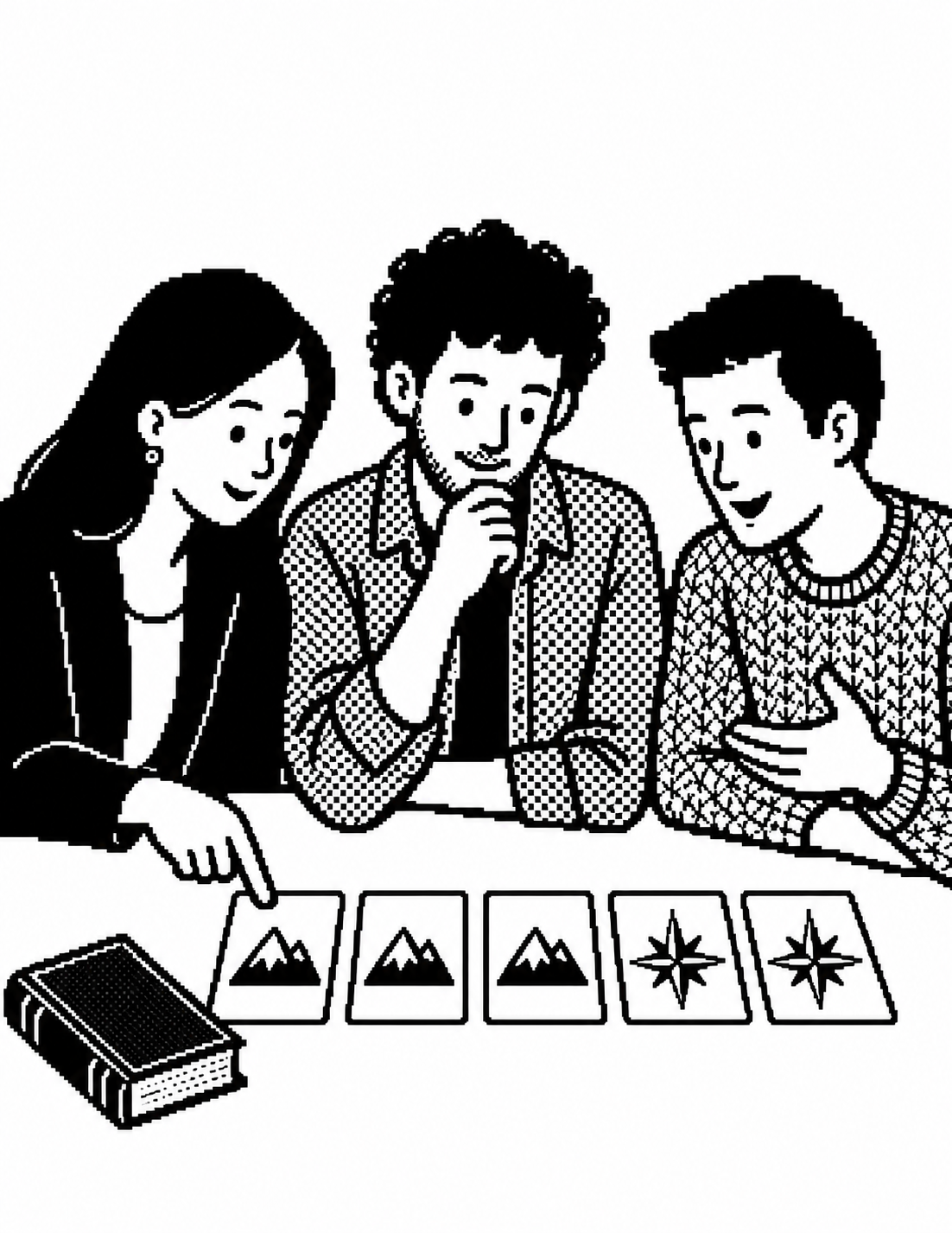
Once an Ink card has been drawn and the timer is set, choose Start Map Making. Every team has a countdown on their screen and "Present to Room" also displays the countdown.
Teams create their Maps. This is when they plan their skit or draw their picture or think of the story they're going to tell, etc. Make sure that every team has sealed their cards and that everyone's doing something. You can also pause the timer at this point or jump to zero, but don't worry, nothing in the game changes without you moving to the next stage.
Teams can also annotate how they plan to connect their Territory and Legend. This is optional, and only their team and the host can see it. It's a good job for someone who's not holding the pen or rehearsing the scene, etc. The explanation becomes read-only when you open voting, so it records what they were thinking before everyone else weighs in.
When the group is ready, open voting.
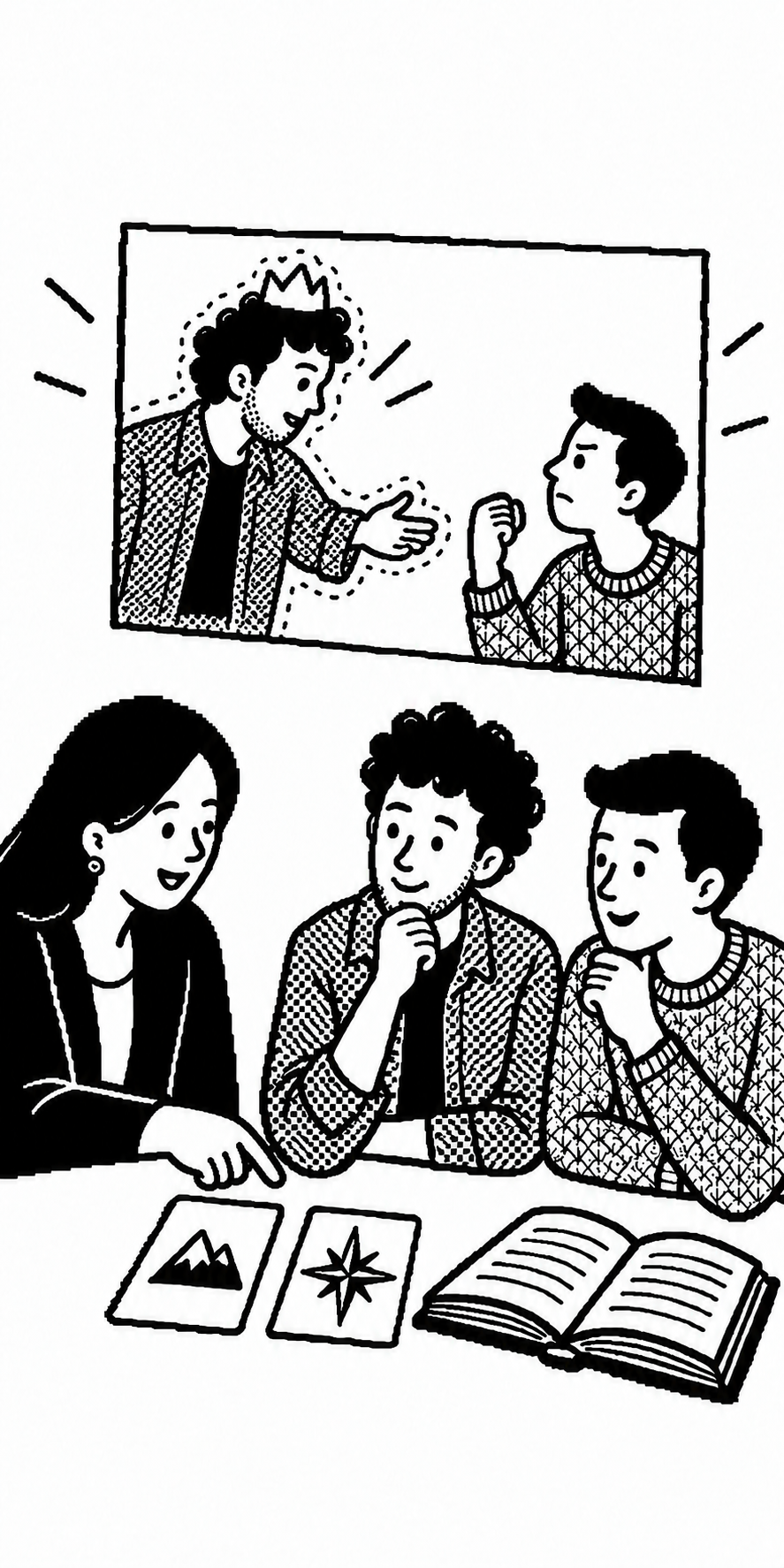
Teams present their Maps informally. For example, if they've made an image, you can hold each one and walk it around to the different groups or they can stand up and present their skits. Order doesn't matter. On the voting screen, each team chooses which Territory and Legend it perceives in every other team's Map. They can also write an annotation explaining how they perceived that connection. These are optional, but worth encouraging: choosing an answer is one thing; explaining what led you there is another — and they give you something to grade in addition to their Map-making efforts.
Teams can flag a Map as Pioneering if it revealed a connection or perspective they'd never thought of. They can nominate as many teams as they like, or none. Each nomination counts once on the Pioneers leaderboard when you release the voting matrix. Exceptional effort is recognized separately from percentage correct voted received.
An annotation stays private to its authors and the host unless the team selects the envelope to request sharing it. After they seal their ballots, these requests appear in your Communications inbox for review. Approving a note sends it to the team addressed once that team's Map has been revealed. Teams find received notes in Team Annotations → Inbox.
Teams choose Review ballots to check their votes, annotations, Pioneer nominations, and sharing requests. They can go back and edit, or choose Seal ballots to submit everything for the round. Once sealed, those choices are final. While waiting, they can return to their Team Annotations. If the room cannot continue, use End voting early.

Release Maps one at a time. This is a fun action as a group. Each team's actual Territory-Legend pairing will appear on "Present to Room" along with how every other team voted. Here you can discuss how the teams have represented the Territories and Legends.
This is also when teams should annotate the round, that is, reflect on the Map they made, the Maps other teams made, and how they understood those. Under Looking back in Team Annotations, they can write about what they see differently now. These reflections stay private to the team and host and appear in your downloadable Host reports, so you can return to them later for discussion or grading.
When the room is ready, choose Release vote matrix. The released matrix shows how the group recognized each Map and which Maps entered the Seminar Atlas.
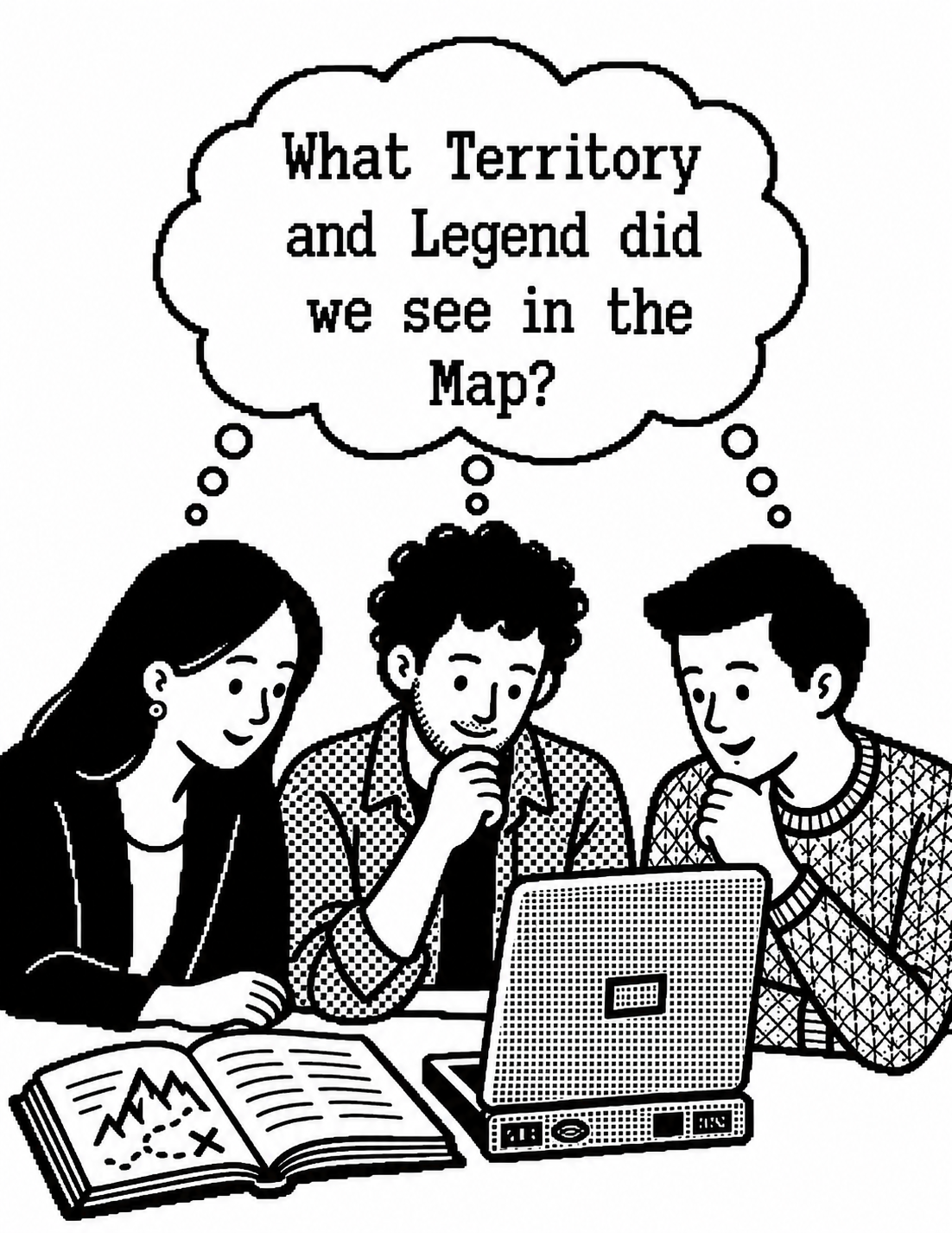
If a team's Map was successfully recognized by the threshold you set (eg, a majority of the other teams), then they will get to set an Atlas tile by picking a picture to go in the Atlas. Teams can click that tile to inspect and annotate the Map. Unlike their private round reflections, these annotations are intended for the seminar Atlas. You review them before they appear there.
Open the Communications inbox to review Atlas annotations and notes teams want to share. You can review them individually or select several at once. Rejecting removes an annotation from review, but keeps it in your downloadable Host report. Approving publishes it on the Atlas or sends it to the team addressed; its authors earn 1 Archivist point when it is published or delivered. Gilding approves an excellent contribution and makes it worth 5 points in total. Save this for something incisive: an observation that helps the group see more in the Map. Private round explanations and reflections don't earn these points.
When the group is ready, start a new round. The next round begins again with card selection and a new Ink card.
Reports become available after you release the first round's voting matrix. The Host reports include private writing and rejected annotations, so keep those for your own review. The Player report collects released voting matrices, Atlas Maps and their approved annotations, delivered notes, and leaderboard results, including Pioneer nominations. It leaves out private, pending, and rejected writing. This is the version to post for the group afterward.

Reference
These options exist for rare and special cases in which a player might otherwise hold up the whole group's progress.
A team still needs to select their Territory and Legend cards
Use Assign stragglers to complete missing Territory and Legend selections from that team's dealt cards. If the assigned Map should count toward points and Atlas release, validate it during voting or reveal.
A team needs a different hand
Use Redeal for that team. Redealing is a recovery move for a specific team, not the default way to begin a round.
Voting has stalled
Use End voting early only when a team has not submitted their votes. It closes voting for the current round.
- The deck contains the Territory, Legend, and Ink cards needed for this seminar.
- The deck title, team count, and Unlock requirement are decided.
- Every team has a browser-capable device and a unique invitation link or QR invitation.
- The Territory texts, a notebook, and a pen.
- The host dashboard is visible at a readable size, and Present to Room is ready when the group needs it.
- The host has rehearsed the first Card selection phase: check the automatically drawn Ink, set the timer, and check that teams can seal their cards.
New to Atlas Seminar? Choose Load sample on the Shelf to create the Fairy Tale sample deck, then open it to see how Territory, Legend, and Ink cards work together.